











 565
565
Today, AI assistants, AI companions, voice assistants, and AI chats are being developed significantly faster than just a few years ago. Thanks to AI-assisted development and so-called vibe coding, teams can launch MVPs in just weeks. However, this has created a new problem: most of these products are tested using outdated QA approaches that no longer address the real risks of AI systems.
While previously it was sufficient to test forms, APIs, and basic user scenarios, it is now necessary to test the context of the dialogue, emotional perception, voice interaction, the stability of AI responses, and even the feeling of "live communication." In AI products, users evaluate not only technical stability but also how comfortable and natural the system interacts with them.
In this article, we'll explore a practical checklist for testing AI chat and voice assistants, as well as the main issues that often arise in such products.


Why AI Applications Require a New Approach to QA
The main characteristic of AI products is that their behavior is not always completely deterministic. Even under identical conditions, AI may respond slightly differently, change its wording, lose context, or unexpectedly deviate from the topic.
Because of this, classical testing is no longer sufficient.
Now the QA team has to check:
- quality and adequacy of AI responses;
- maintaining the context of the dialogue;
- emotional perception;
- AI reaction speed;
- stability of voice/chat interaction;
- behavior with poor internet connection;
- work of long dialogues;
- reaction to aggressive, emotional or non-standard messages.
In fact, modern AI application testing is already a mixture of:
- QA,
- UX,
- conversational design,
- load testing,
- psychology of interaction,
- AI behavior testing.

What needs to be tested in AI chat
Registration and quick start
For AI products, it's critical to minimize friction at the start. The user should engage in a dialogue with the AI as quickly as possible. Therefore, it's essential to check:
- email login / Google login / Apple login;
- access restoration;
- error correction;
- adaptation of forms on mobile devices.
But technical testing isn't enough. UX needs to be assessed as well:
- Is the onboarding too long?
- does a feeling of complexity arise;
- Do you want to continue using it?
- Are there any unnecessary steps before starting communication?
For AI apps, "conversation initiation speed" directly impacts user retention.
Checking AI responses
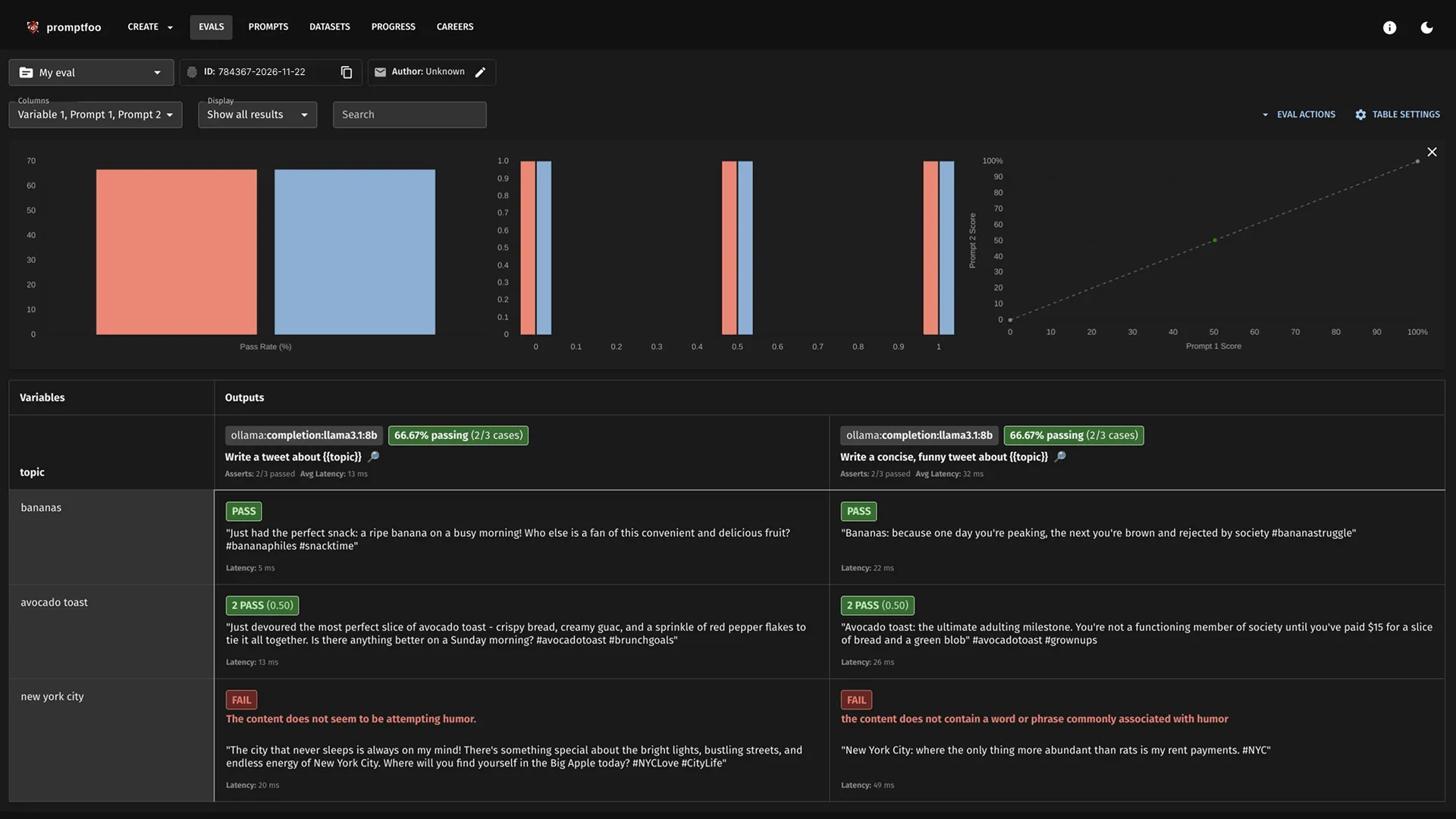
This is already one of the most difficult parts of testing. AI must be tested not only for correctness, but also for the quality of interaction.
It is important to analyze:
- does the AI respond to the topic;
- does the context hold;
- does it repeat itself;
- does not generate toxic responses;
- does the dialogue become “robotic”?
- does the AI ask clarifying questions;
- does not write too long answers;
- does not confuse languages;
- does not generate meaningless text or a set of characters.
Very often, an AI system appears technically stable, but completely fails at the level of communication perception.
This is especially critical for:
- AI companions;
- AI consultants;
- AI psychologists;
- voice assistants;
- AI support systems.
Voice interaction
Voice AI today is a separate category of complex testing. Even if text chat works perfectly, voice mode can pose a huge number of problems:
- robotic sound;
- delays between replicas;
- poor lip sync on avatar;
- speech recognition errors;
- wrong accents;
- audio interruptions;
- sudden jumps in volume;
- loss of microphone;
- problems when switching networks.
It is especially important to check the feeling of naturalness of communication.
The user notices very quickly:
- unnatural pauses;
- too "machine-like" a voice;
- strange intonations;
- emotionally inappropriate reactions.
It's these little things that often destroy trust in a product more than regular interface bugs.
Edge-case testing of AI applications
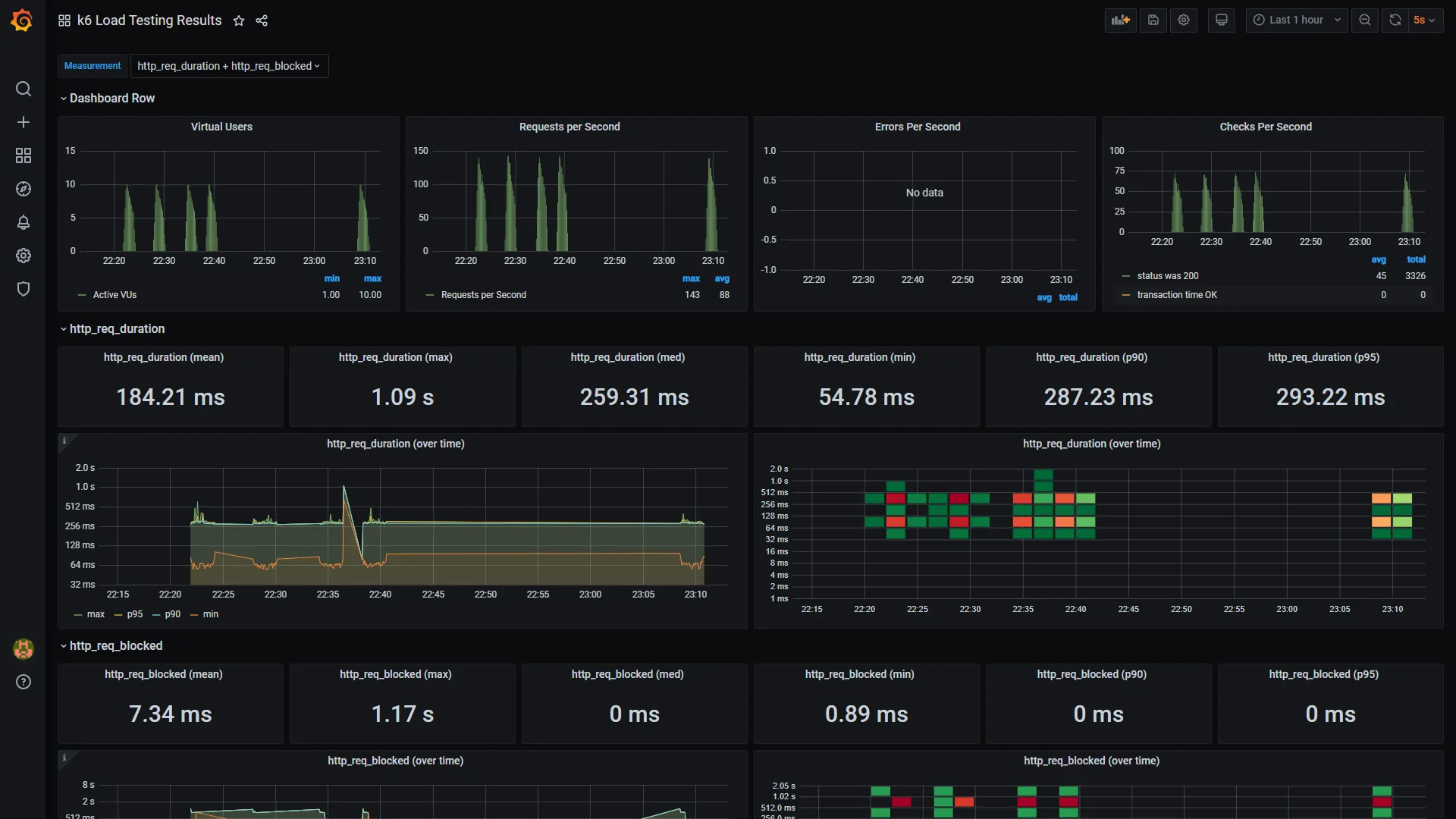
One of the biggest mistakes modern teams make is testing only "ideal scenarios." AI products absolutely must be tested in non-standard conditions.
For example:
- bad internet;
- abrupt switching between pages;
- long messages;
- a stream of messages in a row;
- emoji;
- copy-paste of large texts;
- emotional messages;
- aggressive messages;
- empty messages;
- Switch between Wi-Fi and mobile network.
This is where the following most often appear:
- loss of context;
- hanging;
- duplicate messages;
- infinite loading;
- loss of chat history;
- voice mode errors.
UX issues with AI systems
In AI products, UX has become significantly more important than in traditional web services. Even minor issues can ruin the feeling of "live communication."
It is necessary to check:
- Is the chat jumping?
- does the keyboard overlap the input field?
- are there any lags during generation;
- Is the interface blinking?
- Do the buttons work correctly?
- Is the mobile adaptation broken?
- is there no horizontal scrolling;
- Is it convenient to conduct a long dialogue?
The AI system should feel calm, smooth and natural.
Any annoying UX starts to increase several times when the user is in a long dialogue.
The most underrated part is emotional testing.
Modern AI assistants are no longer tested solely for technical reasons. A new type of QA is emerging: emotional testing.
The team must ask itself questions:
- would you like to continue communication?
- Is AI trustworthy?
- Are the answers annoying?
- does it create a feeling of support;
- is there a sense of “liveness” in the dialogue;
- Is AI becoming intrusive?
- Does the interface help you relax?
- whether the system overloads the user.
This is especially important for:
- AI companions;
- AI therapy-like products;
- wellness AI apps;
- support assistants;
- conversational AI systems.
In fact, modern AI products are already being tested not only as software, but also as a form of user experience.

What errors are considered critical?
For AI voice/chat systems, the following are considered critical:
- white screen;
- departures;
- hanging;
- endless loading;
- AI not responding;
- loss of history;
- payment errors;
- voice mode failures;
- toxic AI responses;
- loss of dialogue context.
Moreover, a toxic or emotionally incorrect AI response today can be even more dangerous than a simple technical bug.
Why AI QA will become a separate industry area
With the growth of AI-assisted development, the market will face a huge number of AI-generated applications.
Creating MVPs is becoming easier. But the quality of such products is no longer determined solely by the code.
The main question is changing: how naturally, consistently, and safely does AI interact with humans?
This is why AI QA is gradually becoming a separate specialization, combining:
- classical testing,
- UX,
- behavioral analysis,
- conversational design,
- AI safety,
- emotional perception of interfaces.
And the demand for such testing will only grow in the coming years.
Useful links and materials
- AI/ML QA Engineer — testing AI and ML systems
- Development of AI assistants
- Development of AI Telegram bots
- Mobile Application Testing: Methods and Features
- High-Load Testing After Vibe Coding
- Software testing after Vibe Coding
- Everything you need to know about software testing: levels, types, stages, and methods


